Replace Repetitive Tasks With AI at Work
AI For Businesses
Learn how to replace repetitive tasks with AI in your business, from admin and reporting to sales support, without adding more software chaos.

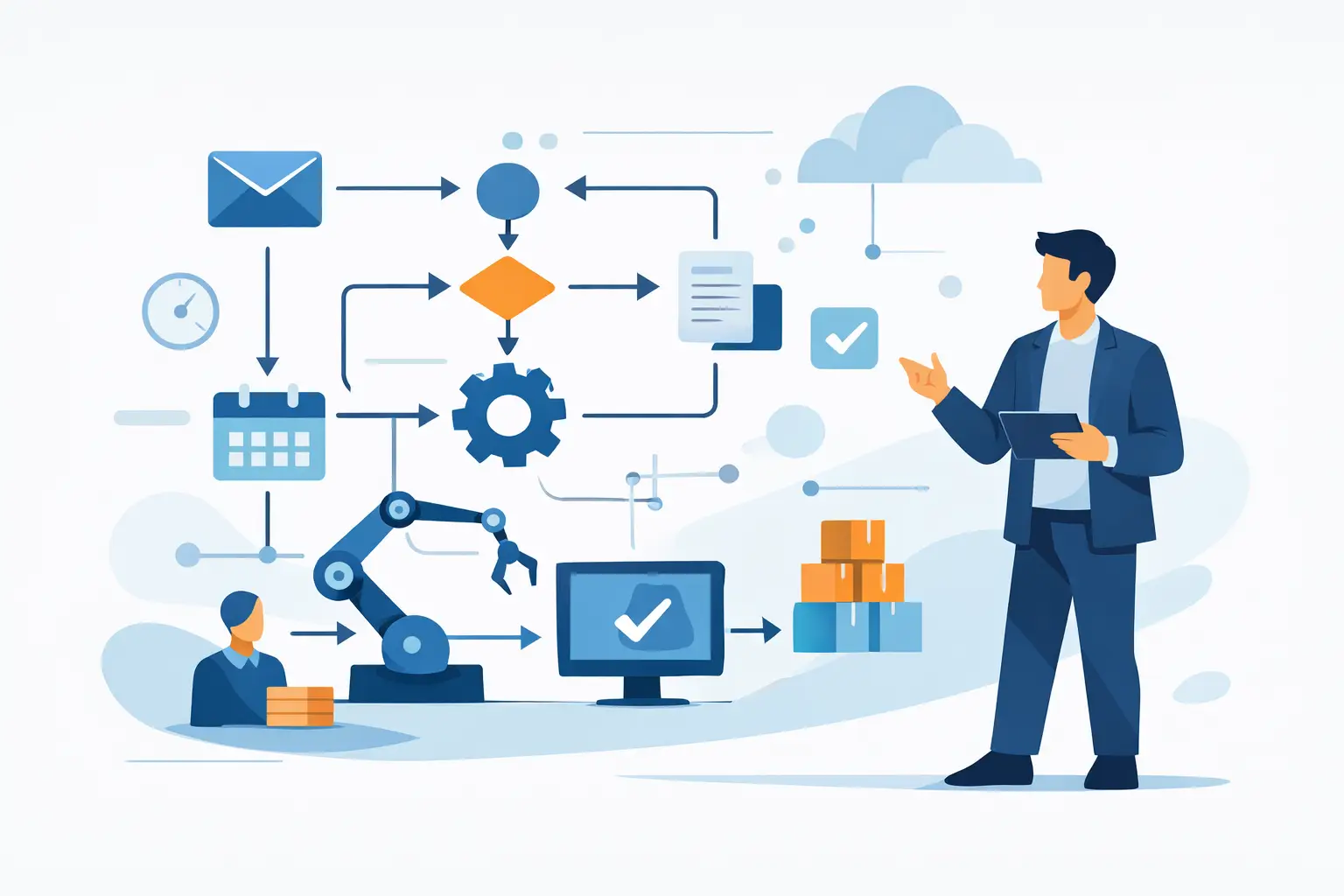
Monday morning disappears faster than most owners admit. A few approvals, a stack of emails, chasing updates, rewriting the same messages, pulling the same numbers into the same report - and half the day has gone. If you want to replace repetitive tasks with AI, the goal is not to bolt on another tool. It is to remove drag from the work your business keeps doing every week.
That distinction matters. Many teams do not have an AI problem. They have a workflow problem. The repetition sits inside handovers, spreadsheets, inboxes, proposals, follow-ups, internal updates and client admin. AI can help, but only when it is applied to a real process with a clear owner and a useful output.
What it really means to replace repetitive tasks with AI
Most business owners hear "automation" and picture a fully hands-off system. In practice, that is rarely where the value starts. The quickest wins usually come from assisted work rather than total replacement.
That means AI drafts the follow-up email, prepares the meeting summary, categorises inbound enquiries, updates the CRM notes, turns a call transcript into actions, or assembles the first version of a report. A person still reviews it. The business still owns the process. But the slow, repeatable part is no longer consuming skilled time.
This is why repetitive tasks are such a strong place to begin. They are frequent, predictable and usually low value compared with the judgement-heavy work only your team can do. If someone is copying information from one place to another, reformatting documents, answering near-identical questions or creating the same deliverable structure again and again, there is a good chance AI can reduce the load.
Where AI works best in day-to-day operations
The strongest use cases are rarely glamorous. They are the bits of work people complain about privately because they know they should not be spending their time there.
For many SMEs, inbox and communication admin is the obvious first area. AI can sort incoming messages, draft replies, extract key details from customer enquiries and prepare handover notes for the right team member. That does not mean letting a model reply unchecked to every customer. It means shortening the path from incoming message to sensible action.
Reporting is another common win. Managers often spend hours pulling data from multiple systems, cleaning it up, writing commentary and circulating updates. AI can help structure the report, summarise trends, flag anomalies and turn rough operational notes into something presentable. If your reporting process depends on the same manual steps every week, it is a candidate.
Sales support also benefits. Proposal drafting, discovery call summaries, lead qualification notes, follow-up sequences and CRM updates are repetitive in a way that makes them ideal for AI assistance. The commercial judgement still sits with your team. The admin around it does not need to.
Then there is internal operations. Standard operating procedures, staff onboarding notes, meeting records, policy drafts, task breakdowns and project status updates are often built from the same patterns. AI can help create consistency where businesses usually rely on memory and goodwill.
The mistake businesses make when they try to automate too early
The usual mistake is tool-first thinking. Someone sees a demo, buys a subscription and expects the team to "use AI". A month later, nothing has changed except the software bill.
That happens because software does not fix a messy process. If the workflow is unclear, the handovers are inconsistent, and nobody agrees what "done" looks like, AI simply adds another layer of confusion. You get patchy adoption, unreliable outputs and more systems to manage.
A better approach is to start with a single process and ask four practical questions. What triggers the task? What information is needed? What output is expected? Who signs it off? Once those answers are clear, AI becomes much easier to apply properly.
This is also where trade-offs appear. Full automation sounds efficient, but it can create quality risk in client-facing work. Human review adds a step, but it protects standards. The right answer depends on the task. For invoice coding, a high level of automation may be sensible. For sensitive client communication, assisted drafting is often the better fit.
How to decide which tasks to replace first
Not every repetitive task deserves attention. Some happen rarely. Some are annoying but low impact. Some should be removed altogether instead of improved.
The best starting points tend to share three traits. They happen often, follow a recognisable pattern and consume time from people whose effort is better spent elsewhere. If a task takes ten minutes but happens fifty times a week, it matters. If it takes two hours but only happens once a quarter, it may not be your first move.
Look for tasks with known inputs and known outputs. New enquiry in, summary out. Meeting recording in, action list out. Spreadsheet data in, weekly report out. These are easier to design, test and improve than vague knowledge work with no clear finish line.
It is also worth looking at where delays occur. Repetition is not just about frequency. Sometimes the issue is that a task blocks other work. If proposals sit in draft for three days because someone has to build them from scratch, AI support could speed up revenue, not just save admin time.
A practical way to replace repetitive tasks with AI
Start small enough to finish. Pick one process, one owner and one measurable outcome.
First, map the current workflow as it actually happens, not as people think it happens. Where does the information come from? What gets copied, cleaned, reworded or chased? Which parts are repetitive, and which require judgement?
Second, separate the task into components. AI is often strong at summarising, classifying, extracting, drafting and reformatting. It is weaker when the instruction is vague, the source material is poor or the goal is undefined. Break the work down so you can assign the right job to the right system.
Third, decide where human review stays in place. This matters for quality control, compliance and trust. In most businesses, the best model is not "AI replaces person". It is "AI prepares, person approves".
Fourth, test the workflow in the tools you already use where possible. The fewer extra platforms your team needs, the better adoption tends to be. New software is sometimes necessary, but software sprawl is a real cost.
Finally, measure the result. Time saved is useful, but not enough on its own. Look at turnaround time, error reduction, consistency and whether the task now gets done on time without managerial chasing.
What good implementation looks like
Good implementation is usually boring in the best possible way. The process works, the team understands it, the output is reliable and nobody needs a long explanation every time they use it.
That often means documenting prompts, templates, rules and review steps so the process does not depend on one enthusiastic team member. It means building on your own accounts and systems so you keep control. It means improving one live workflow at a time rather than running endless internal experiments.
For that reason, many firms need less "AI strategy" and more operational follow-through. AI For Businesses is built around that gap: getting clear on the workflow, building the practical system, and staying with the client long enough for it to stick.
What AI should not replace
There is a temptation to push too far once the first few wins appear. Not every repeated action should be handed over.
Tasks involving sensitive judgement, nuanced client relationships, staff performance issues or complex exceptions still need people close to the work. AI can support those processes with notes, summaries and draft materials, but the decision-making should remain human.
There is also a cultural point. If staff feel AI is being introduced to monitor or sideline them, adoption suffers. If they see it removing the dullest parts of the job and helping them get through work faster, they usually engage far more willingly. The framing matters because implementation is not just technical. It is operational and human.
Replacing repetitive tasks with AI is not about turning your business into a lab. It is about getting rid of work that should never have needed so much manual effort in the first place. Start where the repetition is obvious, keep ownership of the process, and build systems your team will actually use. The best AI changes are not flashy. They simply give you your time back, one process at a time.
Written by
AI For Businesses
The team at AI For Businesses helping UK companies adopt AI in practical, build-focused ways.
Enjoyed this article?
Get more practical AI tips delivered to your inbox weekly.