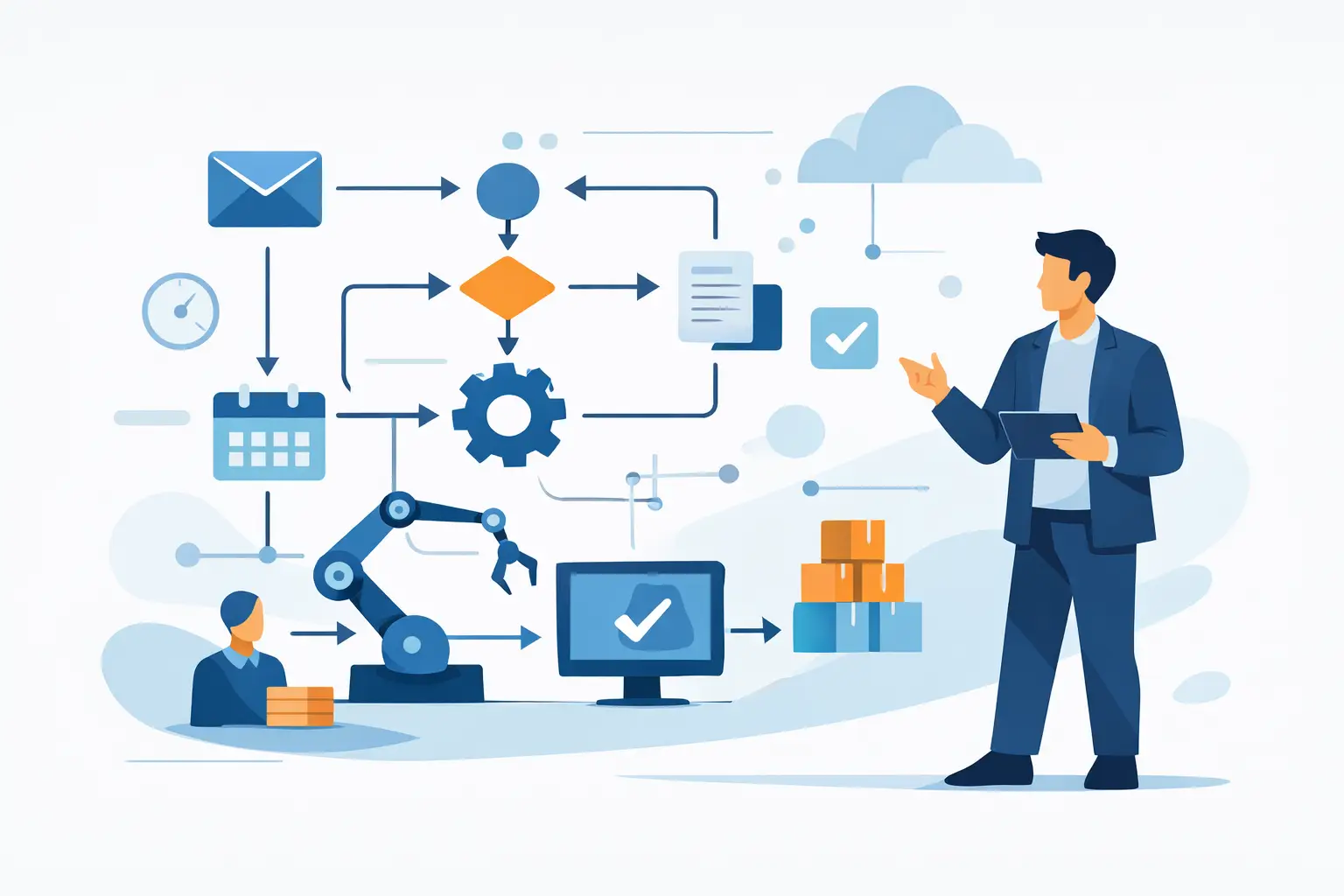
How to Reduce Admin with AI
AI For Businesses
Learn how to reduce admin with AI using practical workflows that save time, cut software waste and keep your business organised.

Admin rarely looks like the biggest problem in a business until you add it up. The chasing, updating, copying, summarising, note-taking, filing and follow-ups can quietly absorb hours every week. If you want to reduce admin with AI, the useful question is not which shiny tool to buy. It is which repetitive decisions, handoffs and low-value tasks are slowing your team down.
That shift matters. Most businesses do not have an admin problem because people are lazy or systems are broken beyond repair. They have an admin problem because work has grown in layers. A new form here, another inbox there, a spreadsheet to patch over a gap, then one more software subscription to keep things moving. Before long, simple work takes too many clicks and too much attention.
Where AI actually reduces admin
AI is at its best when it supports work that already follows a pattern. It can draft, sort, extract, summarise, categorise and trigger next steps quickly. That makes it useful for the operational clutter that builds up around delivery, sales, client management and internal reporting.
For a small or mid-sized business, this often shows up in familiar places. Meeting notes need turning into actions. Client emails need triaging. Enquiry forms need cleaning up and routing. Project updates need turning into status summaries. Documents need key information pulled out and logged somewhere sensible. None of that is glamorous, but it is exactly where time disappears.
The businesses that get results are usually not trying to replace whole jobs. They are removing the drag around the job. That is a much more realistic way to use AI, and it is far easier to implement properly.
Reduce admin with AI by fixing workflows first
If you throw AI at a messy process, you usually get a faster messy process. That is why workflow design comes before tool selection.
Start with one recurring activity that happens often enough to matter and is boring enough that no one will miss doing it manually. A good example is post-meeting admin. If your managers or account leads spend part of every day writing up notes, assigning actions and sending recaps, AI can help. But only if you decide what a good output looks like, where it should go, who owns the review step and what should happen next.
The same applies to inbox and form handling. If leads arrive through different channels and are inconsistently qualified, AI can help standardise the first pass. It can extract key details, classify urgency, suggest replies and update your CRM or task system. But if your lead stages are vague and your data is all over the place, the results will be patchy.
This is why practical implementation matters more than prompts. Good prompts help, but clean handoffs, sensible rules and clear ownership help far more.
The best admin tasks to automate first
Not every admin task should be touched first. The strongest starting points tend to have three things in common. They are repetitive, they follow clear rules, and a human can quickly sense-check the output.
That could mean turning meeting transcripts into action lists, drafting routine client updates, producing first-pass proposals from standard inputs, logging information from PDFs into a central tracker, or summarising support queries before they are handed to a person. These are useful because they remove friction without creating too much operational risk.
By contrast, highly sensitive processes such as grievance handling, complex legal wording or anything involving major financial commitments need more care. AI can still assist, but usually in a supporting role rather than acting alone.
What this looks like in a real business
An agency might use AI to summarise client calls, identify decisions made, draft follow-up emails and push actions into a project board. That saves the account manager from spending half an hour after every call doing basic admin.
A professional services firm might use it to review incoming enquiries, extract scope details, identify likely fit, and prepare a short internal brief before someone replies. That means faster response times and less back-and-forth.
An operations team in a growing service business might use AI to pull data from job sheets, compare it against booking records and flag missing information before invoicing. That reduces avoidable delays without forcing staff into another manual checking process.
These are not moonshot use cases. They are practical changes that improve how work moves through the business.
The trade-off: speed versus control
This is where some of the noise around AI becomes unhelpful. Yes, AI can save time. No, it should not be trusted blindly.
If you want to reduce admin with AI properly, you need to decide where human review stays in place. For many businesses, the right model is not full automation but assisted automation. AI produces a decent first draft, summary or categorisation, and a member of staff checks it before it is sent or logged.
That still saves time. In fact, it often saves more time in the long run because you avoid the cleanup that comes from over-automating too early.
The level of control you need depends on the process. Internal notes can usually tolerate a bit of imperfection. Client-facing communication, regulated work and anything involving pricing or compliance needs much tighter oversight. It depends on the cost of getting it wrong.
Tool choice matters less than most people think
A lot of businesses get stuck comparing platforms instead of fixing the process. The truth is that several tools can often do the job reasonably well. The bigger issue is whether they fit your current systems, your data handling requirements and your team's way of working.
The cheapest option is not always the best, but neither is the most advanced. Sometimes the right answer is a simple setup on tools you already use, with a few carefully built automations and AI steps in the middle. That often beats buying another large platform your team will only use halfway.
For UK businesses especially, it is worth being sensible about data handling, permissions and account ownership. If an outside provider builds something for you, you should still be able to run it on your own systems. That avoids dependency and keeps you in control as the business changes.
A sensible way to get started
The businesses that make progress usually follow a steady sequence. First, they identify where admin is actually piling up. Then they measure the time cost, however roughly. After that, they redesign the workflow, choose the right tool stack, test with real examples and keep a human review step where needed.
The testing part matters more than people expect. An automation can look fine in theory and fall apart on real data. Client emails are messy. Meeting transcripts are inconsistent. Staff use different wording. Good implementation accounts for that instead of pretending everything arrives in neat boxes.
Once one workflow is working, you build from there. That is often a better route than trying to overhaul the whole business in one go. One functioning system creates proof, internal confidence and useful lessons for the next one.
Why most AI admin projects stall
They usually stall for ordinary reasons. No one owns the process. The workflow was never clearly mapped. The team was given a tool but not a method. Or the project was framed as innovation rather than operational improvement, so it became optional and drifted.
There is also a common mistake of aiming too high too soon. If you start with a complex, cross-functional process involving several systems and multiple edge cases, delivery slows down. The better move is to start with one contained piece of admin that is painful enough to matter and stable enough to improve.
That is where a practical implementation partner can help. Not by adding more jargon, but by working through the real process, building something usable and improving it over time. That is very different from a one-off strategy deck that leaves your team with homework.
At AI For Businesses, that is the point of the work. Get organised, build useful systems on the client's own accounts, and keep improving what actually runs the business.
Reduce admin with AI without creating more clutter
There is a final test worth applying to any AI setup. Does it genuinely remove work, or does it just move the work somewhere less visible?
If your team now has to check three dashboards, correct poor outputs and maintain another subscription, you have not reduced admin. You have redistributed it. The best AI systems feel boring in the right way. They fit into the business, reduce repetition and make delivery easier to manage.
That is the standard to aim for. Not impressive demos. Not clever prompts for their own sake. Just fewer manual steps, clearer information and more time for the work that actually needs judgement.
If you are deciding where to start, look for the admin your team repeats every week with a sigh. That is usually the process worth fixing first.
Written by
AI For Businesses
The team at AI For Businesses helping UK companies adopt AI in practical, build-focused ways.
Enjoyed this article?
Get more practical AI tips delivered to your inbox weekly.