AI Workflow Automation for Operations That Works
AI For Businesses
AI workflow automation for operations helps teams cut admin, reduce delays and build practical systems that save time without adding more tools.

Operations problems rarely look dramatic from the outside. They show up as missed follow-ups, slow handovers, repeated data entry, unclear ownership, and managers spending half the week chasing updates. The appeal of ai workflow automation for operations is simple: less manual effort, fewer gaps, and more work moving without someone constantly pushing it along.
The problem is that many businesses approach it backwards. They start with tools, not workflows. They buy another platform, test a few flashy features, and end up with more moving parts than they had before. Automation only helps when it is tied to how the business actually runs.
What ai workflow automation for operations really means
In practice, this is not about replacing your team with bots. It is about designing repeatable operational processes where AI handles the low-value effort and people keep control of judgement, approvals and exceptions.
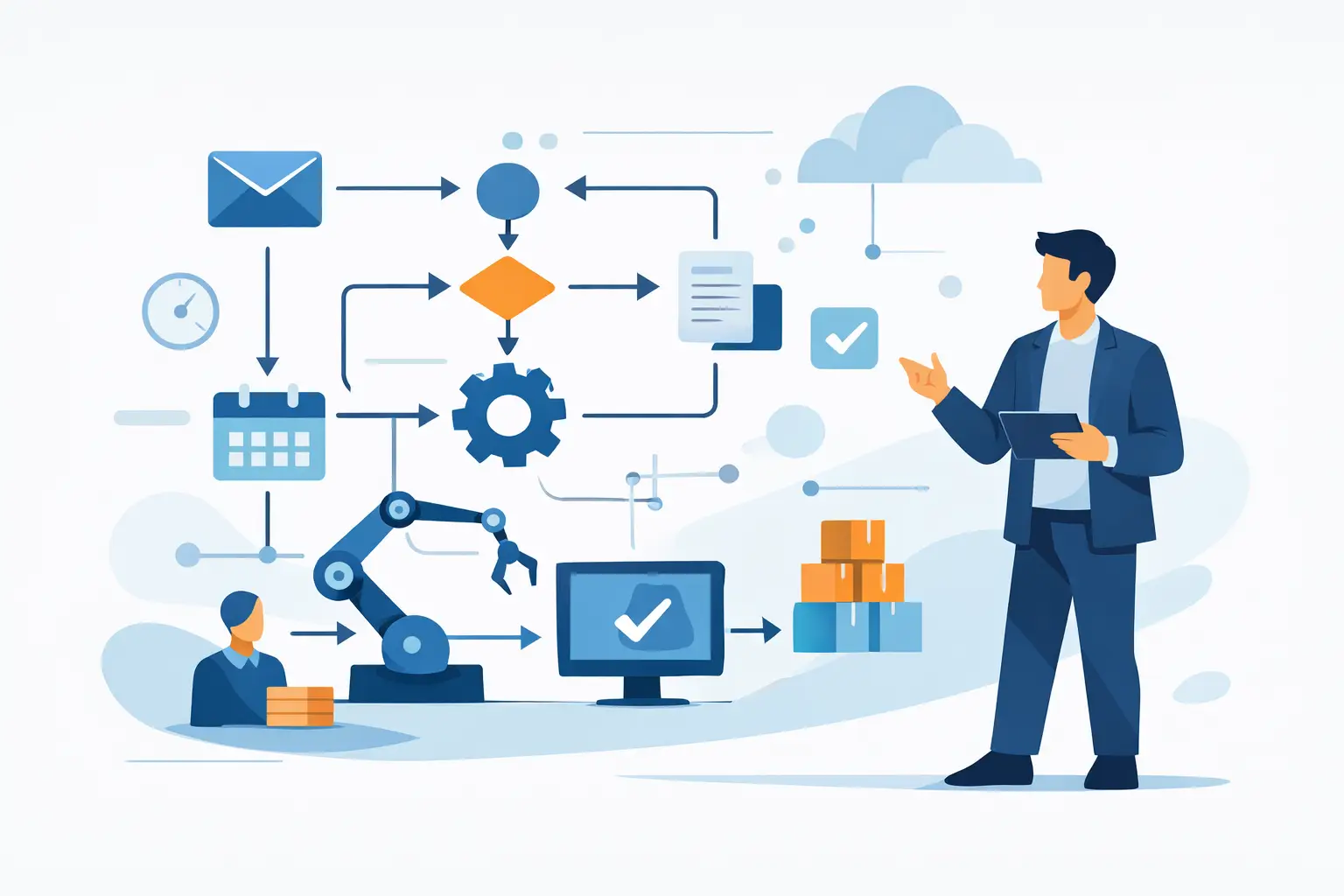
That might mean reading inbound emails and categorising them before they hit the right person. It might mean drafting responses, summarising meeting notes into actions, extracting data from supplier documents, updating job records, or flagging delays before they become problems. None of this is magic. It is workflow design, supported by AI where AI is genuinely useful.
The distinction matters. Traditional automation works best when rules are fixed. AI becomes helpful when the input is messy: free-text emails, call notes, PDFs, forms filled in badly, or requests that need basic interpretation before the next step happens. Operations teams deal with this sort of mess every day.
Where operations teams usually get the biggest gains
The best opportunities are usually hiding in plain sight. They sit in routine work that is frequent, necessary and annoying to maintain by hand.
Client onboarding is a common example. In many firms, a sale is agreed and then someone manually sends documents, creates folders, updates a CRM, briefs delivery, chases missing information and checks whether the work can actually start. AI can help structure incoming information, draft welcome communications, spot missing details and trigger the next actions. The result is not just time saved. It is fewer dropped balls at the point where first impressions matter most.
Internal reporting is another strong use case. Managers often waste hours each week pulling updates from different systems and people. AI can summarise project notes, pull themes from team updates, and prepare first-draft reports for review. That does not remove the manager. It removes the blank page and the admin behind it.
Customer service operations, finance admin, recruitment coordination and compliance-heavy processes can also benefit. If your team spends time moving information between inboxes, spreadsheets, forms and SaaS tools, there is probably a workable automation opportunity there.
Why most automation projects stall
The usual issue is not technical difficulty. It is poor operational thinking.
Some businesses try to automate a broken process. If the handover is vague, the ownership is unclear and nobody agrees what “done” means, automation will simply make the confusion faster. Other businesses overcomplicate the setup from day one. They attempt a full operational rebuild when what they really need is one reliable workflow that solves one expensive bottleneck.
There is also a data problem. AI systems are only as useful as the information they can access and the structure around that information. If customer records are scattered across five tools, file naming is inconsistent, and key decisions live in somebody’s head, the first job is getting organised.
This is why a practical implementation partner will usually start with an audit rather than a demo. Before building anything, you need to know what work happens, where it gets stuck, who owns each step, and what good looks like.
How to approach ai workflow automation for operations without creating more chaos
Start with one workflow that matters commercially. Not the most exciting one. The one that wastes time, creates delays or affects delivery quality often enough to justify fixing.
Map it in plain English. What triggers the workflow? What information comes in? What actions happen next? Where are the judgement calls? Where do people chase, copy, check or rewrite things manually? That simple exercise often exposes half the problem before any software enters the conversation.
Then separate tasks into three categories: tasks AI can draft or classify, tasks standard automation can move or update, and tasks a person should still own. This is where common sense matters. AI is useful for interpretation and first drafts. It is less suitable where legal risk, financial approval or sensitive client judgement sits at the centre of the task.
Only then should you choose tools. In many cases, the best answer is to use the systems you already pay for and add lightweight automation around them. New platforms are sometimes necessary, but not nearly as often as sales teams would like you to believe.
The trade-offs business owners should understand
AI workflow automation for operations can save time quickly, but it is not set-and-forget.
First, accuracy is contextual. If you are using AI to summarise meeting notes or draft internal updates, a small margin of error may be acceptable because a human reviews the output. If you are using it to process invoices or route compliance requests, tolerance for mistakes is much lower. The workflow needs stronger validation and clearer fallback rules.
Second, speed can create dependency if ownership is not handled properly. If an outside provider builds everything inside their own stack, your business may end up reliant on them for every tweak. That is not a technical problem. It is an operational risk. Good implementation should leave you with visibility, access and control.
Third, automation changes management. Once tasks start moving faster, bottlenecks become more visible. Teams sometimes discover that the real issue was not admin volume but unclear decisions, poor prioritisation or weak accountability. That can be uncomfortable, but it is useful.
What a sensible rollout looks like
A good rollout is steady rather than dramatic. You identify a workflow, design the process, build a working version, test it with real inputs, and refine it based on what actually happens. After that, you document ownership and review it regularly.
This matters because operations are full of exceptions. A workflow may work perfectly for 80 per cent of cases and still fail on the 20 per cent that carry the most friction. That is why pilot projects should be grounded in live business activity, not toy examples.
For small and mid-sized firms, the most effective early wins usually come from a monthly implementation rhythm. One or two useful systems, properly embedded, will beat a long wishlist every time. The goal is momentum, not theatre.
How to tell if your business is ready
You do not need a technical team or a huge budget. You do need a degree of operational honesty.
If you can point to repeated admin, regular delays, duplicated software, patchy handovers, or managers doing too much coordination work by hand, you are likely ready. If your business is still changing shape every week and nobody agrees how the process should work, you may need process clarity before automation.
That is not a failure. It is the work. AI is most valuable when it supports a business that wants to run in a more deliberate way.
For many UK firms, the real value is not just time saved. It is better control. Better visibility. Less dependence on memory and heroics. Better use of the software you already have. That is the difference between experimenting with AI and actually improving operations.
At AI For Businesses, we see the strongest results when companies stop asking, “What can AI do?” and start asking, “What operational burden should we remove first?” That question leads to better systems, better decisions and far less wasted effort.
If you are considering automation, start smaller than you think and be stricter than you think. Pick one workflow. Make it useful. Make it owned. Then build from there. That is how operations get lighter without becoming messier.
Written by
AI For Businesses
The team at AI For Businesses helping UK companies adopt AI in practical, build-focused ways.
Enjoyed this article?
Get more practical AI tips delivered to your inbox weekly.