AI Process Mapping for Real Operations
AI For Businesses
AI process mapping helps UK firms spot wasted effort, standardise work and apply AI where it saves time, cuts errors and improves delivery.

When a business says, "We want to use AI," the real question is usually much less glamorous. Where is work getting stuck, repeated, delayed or dropped? That is where ai process mapping earns its keep. It gives you a clear picture of how work actually moves through the business, so you can decide where AI helps, where it does not, and what needs fixing first.
For most small and mid-sized firms, the problem is not a lack of AI tools. It is a lack of operational clarity. Teams are chasing approvals in email, copying data between systems, rewriting the same updates for clients, and relying on one or two people who "just know how it works". If you apply AI on top of that mess, you usually get faster mess. A proper map changes that.
What ai process mapping actually means
At its simplest, process mapping is the act of documenting how work gets done from start to finish. Not how it is supposed to happen in a policy folder, but how it happens on a normal Tuesday when staff are busy and clients want answers.
AI process mapping takes that practical exercise one step further. It looks at each stage of a workflow and asks a stricter set of questions. What inputs come in? What decisions get made? What output needs to be produced? Where is human judgement essential, and where is someone just moving information around? Which steps are predictable enough for automation, and which need a person in the loop?
That distinction matters. Good AI projects are rarely about replacing whole jobs. They are usually about reducing admin, drafting first versions, classifying incoming information, flagging anomalies, summarising long threads, or routing work to the right place. To make those improvements safely, you need to know the process in detail.
Why businesses get this wrong
Many firms start with the tool instead of the workflow. They buy a chatbot, an automation platform or an AI note-taker because it sounds promising, then spend months trying to force it into a process that was never properly defined.
The result is familiar. Staff use the tool inconsistently. Outputs vary in quality. Managers cannot tell whether it is saving time or creating rework. Another subscription gets added to the stack, but the underlying bottleneck remains.
This is why mapping matters before implementation. It gives you a shared view of the work, the handoffs, the delays and the exceptions. It also helps you avoid expensive overengineering. Some problems need AI. Some need a cleaner form, a better handover, or one less approval step.
Where ai process mapping has the biggest impact
The strongest use cases are usually in repetitive operational workflows where information arrives, gets assessed, turned into something useful, and passed on. Think lead handling, client onboarding, proposal creation, project updates, support triage, invoice chasing, recruitment screening or monthly reporting.
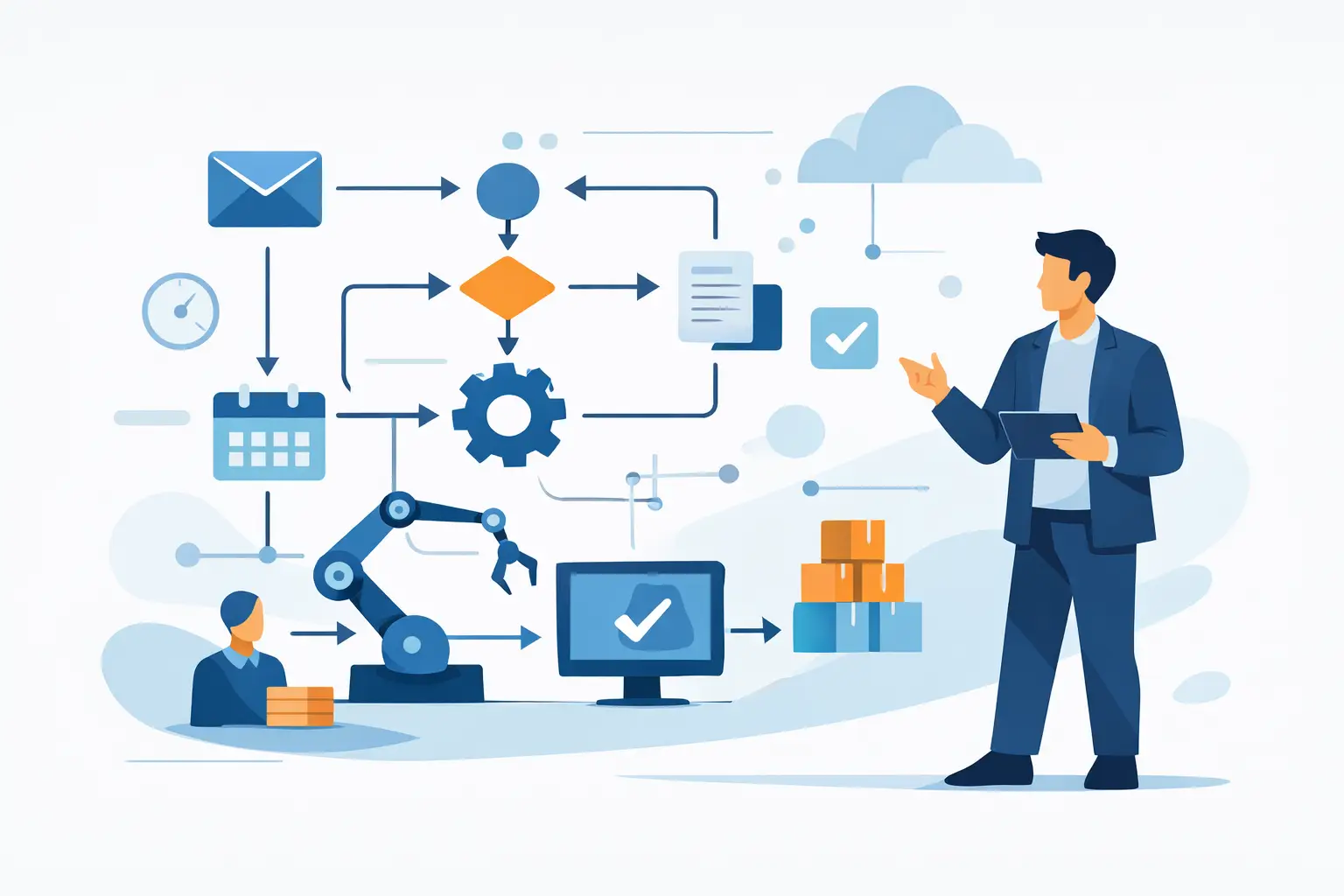
Take a service business onboarding a new client. Enquiry details come in through a form, someone checks fit, a proposal is drafted, documents are sent, a project is set up, internal notes are created, and the client receives a welcome sequence. In many firms, those steps are split across email, documents, a CRM and a project tool, with plenty of manual copying in between.
Map that process properly and opportunities become obvious. AI can summarise discovery notes into a proposal draft, extract key data from intake forms, classify deal type, prepare a first-pass project brief, and create internal handover notes in a standard format. But you only see those opportunities once the workflow is visible.
How to map a process before adding AI
Start with one process that matters commercially. Pick something high-volume, time-consuming or error-prone. Do not begin with the most complex workflow in the business. Begin where the pain is real and the path to improvement is manageable.
Document the trigger first. What starts the process? A new enquiry, a support ticket, a signed proposal, a purchase order? Then track every step until the outcome is complete. Who touches it? What system do they use? What information do they need? Where do they wait? Where do they check, edit, approve or chase?
This should be done with the people doing the work, not just managers. Senior staff often describe the ideal version. The team doing the task will tell you where the spreadsheet lives, which fields are always missing, and why step seven always takes two days longer than expected.
Once the flow is visible, mark the points where AI could help. In practice, these tend to fall into a few categories. Reading and summarising large amounts of text. Extracting structured data from documents. Producing first drafts. Classifying or tagging items. Detecting patterns or exceptions. Routing work based on rules and context.
Then apply a commercial filter. Will this save meaningful time? Will it improve response speed or consistency? Will it reduce avoidable errors? Will the team actually use it? An elegant AI workflow that saves six minutes a week is not a priority. One that removes two hours of admin a day probably is.
What a good AI-ready process map includes
A useful map is not just boxes and arrows. It should show what enters the process, what comes out, who owns each stage, what systems are involved, and where judgement is required.
It also needs to show the messy bits. Exceptions, rework loops, approval bottlenecks and missing information are where many AI projects fail. If you ignore them in the map, the final build looks good in a demo but struggles in real use.
This is also the stage to define rules. What counts as a qualified lead? What information must exist before work can move forward? What should trigger escalation to a human? AI performs better when the business has decided what good looks like.
The trade-offs to be aware of
Not every process should be heavily automated. If a workflow depends on nuanced judgement, sensitive client context or a lot of edge cases, AI may be better used as an assistant than a decision-maker.
There is also a maintenance question. A process map is only useful if it reflects reality. If your service model changes every quarter, the workflow and prompts will need updating. That is normal, but it does mean AI process mapping works best when someone owns the process after launch.
Data quality is another limit. If information comes in inconsistently, from too many channels, or in poor formats, you may need to sort the inputs before AI can perform reliably. Again, that is not a reason to avoid the project. It is a reason to scope it properly.
Why this matters for smaller businesses
Larger firms can absorb a surprising amount of inefficiency. Smaller businesses usually cannot. If one manager is spending ten hours a week chasing updates, reformatting notes and moving information between systems, that cost is immediate. It slows delivery, frustrates staff and keeps good people doing low-value work.
That is why practical implementation matters more than AI theatre. For a growing business, the win is not saying you use AI. The win is having cleaner handovers, quicker turnaround, fewer mistakes and more capacity without adding headcount too early.
This is also where an outside implementation partner can help. At AI For Businesses, the useful work is usually not picking a flashy tool. It is getting the process straight, building on your own systems, and leaving you with something the team can actually run.
A simple way to decide what to map first
If you are unsure where to start, look for three signals. The first is repetition. If the same task happens many times a week, small gains add up quickly. The second is delay. If work sits waiting for input, approval or formatting, there is probably room to improve the flow. The third is inconsistency. If different staff handle the same job in different ways, AI may help standardise the first draft or the routing logic.
You do not need a giant transformation plan to begin. One mapped workflow, improved properly, often changes how the business thinks about operations. Teams stop asking, "What can AI do?" and start asking, "Which part of this process is worth improving next?"
That is the right shift. AI process mapping is not about adding clever technology for its own sake. It is about making work easier to run, easier to scale and less dependent on memory, workarounds and goodwill. Start with the process that annoys your team most. It is usually trying to tell you where the value is.
Written by
AI For Businesses
The team at AI For Businesses helping UK companies adopt AI in practical, build-focused ways.
Enjoyed this article?
Get more practical AI tips delivered to your inbox weekly.