How to Reduce Software Waste in Your Business
AI For Businesses
Learn how to reduce software waste with a practical approach to audits, usage, AI workflows and smarter buying decisions for UK businesses.

Most software waste does not start with one bad purchase. It builds quietly. A team adds a project tool for one client, a sales platform for one campaign, an AI app for one experiment, and six months later nobody is fully sure what is being used, what is duplicated, or what is still worth paying for. If you want to know how to reduce software waste, the answer is not simply cancelling a few licences. It is getting control of how software enters and operates inside the business.
For small and mid-sized companies, this matters more than it first appears. Waste is not only a line on the monthly card statement. It shows up in slower handovers, messy data, repeated admin, abandoned logins, and teams working around tools rather than with them. The cost is financial, operational and managerial.
What software waste actually looks like
Software waste is not just unused subscriptions. That is the obvious part, but not the whole picture. In practice, waste usually falls into three areas.
The first is direct spend on tools nobody needs, uses or understands well enough to justify. This includes duplicate platforms, old legacy subscriptions, and licences bought for a team of ten when only three people log in.
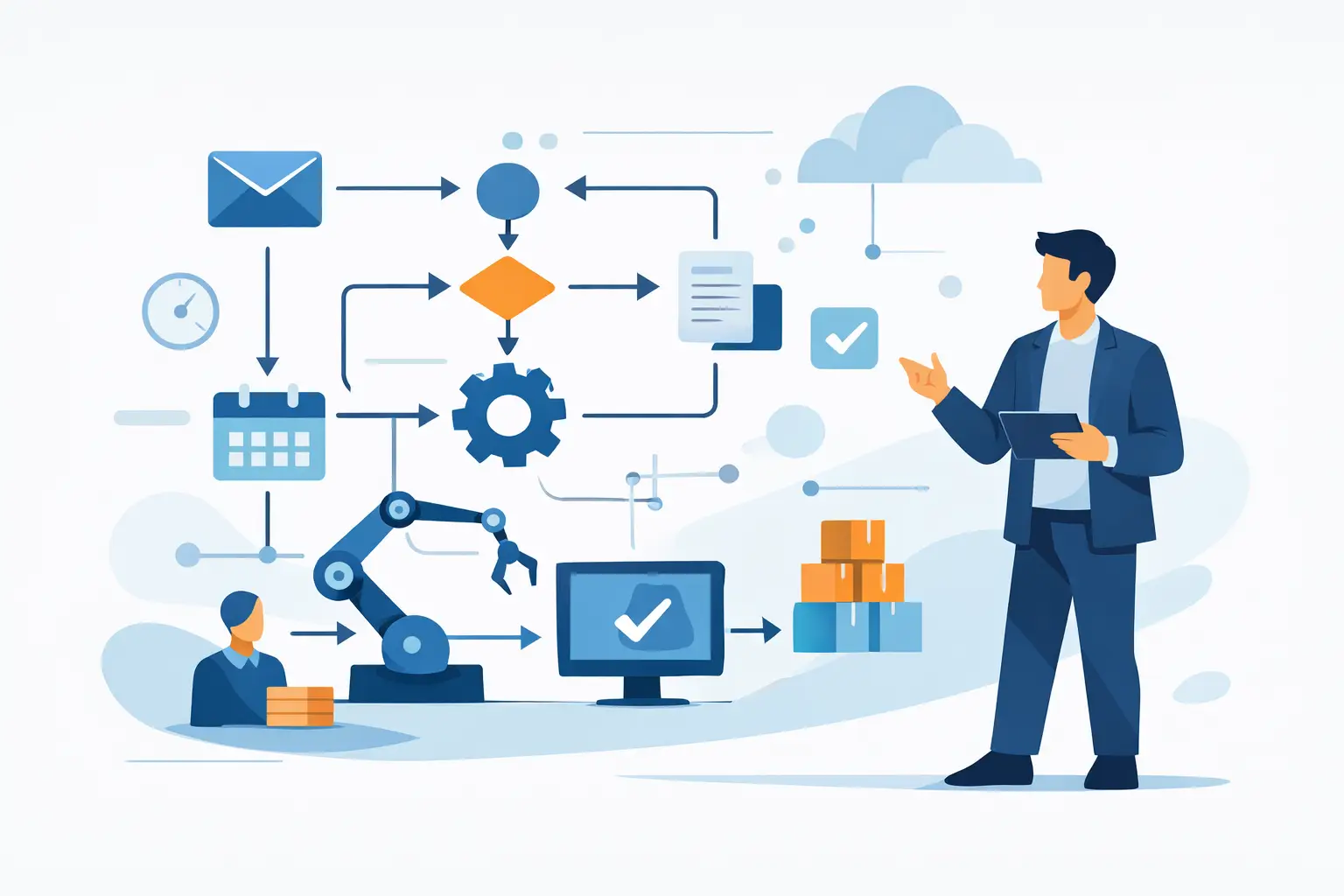
The second is process waste. This is where software exists, but the business still relies on manual work because systems are not connected, set up properly or adopted consistently. You pay for automation and still copy data between tabs.
The third is decision waste. This happens when new software gets bought to patch over a process problem that was never properly defined. The tool becomes a substitute for clarity. That is common with AI software right now. Businesses feel pressure to “do something with AI”, buy several tools quickly, then find none of them fit the way work actually gets done.
Why software waste grows in otherwise sensible businesses
Most owners and managers do not set out to create bloated software stacks. It usually happens because software buying is reactive.
A department has a problem and solves it fast. A team member likes a tool they used in a previous role. A founder signs up to a trial and forgets to cancel. An operations manager adds a platform because integration work feels too slow. All of those decisions can be reasonable in isolation. Together, they create overlap and confusion.
Growth also changes the picture. A tool that worked well for five people may become clumsy for fifteen. Another platform that looked expensive last year may now replace three subscriptions and save hours each week. This is why reducing waste is not about cutting everything down to the cheapest possible stack. It is about fit, timing and visibility.
How to reduce software waste without breaking the business
The practical starting point is a software audit, but not the kind that ends in a spreadsheet nobody touches again. You need a working view of four things: what you pay for, who uses it, what process it supports, and whether the outcome justifies the cost.
Start by listing every paid tool, including monthly subscriptions on company cards, annual contracts, freelancer logins, and apps bought by individual departments. For each one, record owner, cost, usage level, purpose and key dependency. If a tool disappeared tomorrow, what would stop? If nobody can answer that clearly, it is already a warning sign.
Next, group tools by function. You will often find two or three products doing roughly the same job: internal chat, task management, note-taking, forms, scheduling, reporting, CRM, document signing, AI writing, AI meeting notes. This is where duplication becomes visible.
Then look at workflows rather than tools. A good question is not “Do we like this software?” but “Does this process now run faster, cleaner and with less manual effort because of it?” If the answer is no, the issue may be poor setup, no integration, low adoption or simply the wrong tool.
Focus on expensive friction first
Not all software waste deserves equal attention. Start where the cost of confusion is highest.
That usually means software tied to revenue, delivery, reporting or management oversight. If your sales information is split across multiple systems, your client work is tracked in two places, or your reporting relies on manual exports every week, those problems create more drag than an unused design app costing a few pounds each month.
This is also where AI can help if applied properly. Used well, AI can reduce software waste by replacing fragmented manual work with cleaner workflows. Used badly, it becomes another subscription layered on top of an already messy process. The difference is whether AI is solving a defined operational problem.
For example, if your team uses separate tools for meeting notes, task extraction, document drafting and internal knowledge retrieval, there may be a sensible case for consolidating parts of that work. But if nobody has agreed how projects are handed over, adding AI on top will not fix the handover. It will just make the mess faster.
Cut software based on evidence, not irritation
It is tempting to cancel the tools people complain about most. That can work, but it can also backfire. Some software is unpopular because it is poorly configured, not because it is unnecessary.
Before cancelling, check three things. First, actual usage data. Low usage may mean low value, or it may mean the tool is only needed by a small but important team. Second, dependency chains. A platform may seem replaceable until you discover it powers forms, reporting and billing in the background. Third, replacement cost. Saving a monthly fee only makes sense if you are not creating more admin elsewhere.
This is where a commercially sensible approach matters. Reducing waste should improve operations, not just trim costs for one quarter.
Create a rule for buying new software
The fastest way to fix today’s waste and recreate it next month is to have no buying discipline. Most businesses need a simple approval rule, not a long procurement document.
A new tool should have a named owner, a clear business case, a review date and a defined place in the existing stack. It should answer a specific problem that current systems cannot solve well enough. If there is overlap with an existing tool, that should be addressed before purchase, not after.
For AI tools especially, insist on one more test: does this improve an actual workflow, or does it just produce interesting outputs? There is a big difference between software that looks clever in a demo and software that removes repetitive work every week.
Make adoption part of the decision
One of the hidden causes of software waste is assuming that buying software equals implementing it. It does not.
A tool only creates value when people know when to use it, how to use it, and why it matters. If those three points are missing, adoption drops and work returns to email threads, spreadsheets and memory. Then leaders assume the software itself failed.
In reality, many platforms fail because nobody owned the rollout. There was no agreed process, no trimmed-down setup, and no review after thirty days. This is particularly true in SMEs, where managers are busy and software setup gets pushed to the side of someone’s desk.
If you want less waste, assign ownership. Every core system should have someone responsible for standards, access, basic training and periodic review. Not a full-time administrator, just a clear owner.
Where AI fits in a leaner software stack
AI is useful when it helps consolidate admin, speed up repetitive tasks and improve visibility without forcing you into another layer of complexity. In practical terms, that often means using AI inside workflows you already rely on rather than collecting a dozen standalone AI apps.
A good approach is to start with process bottlenecks: quoting, onboarding, document handling, inbox triage, meeting follow-up, reporting, knowledge retrieval. These are the areas where AI can reduce manual effort and support better use of the systems you already have.
But there is a trade-off. Specialised AI tools can be powerful, yet each one adds cost, governance questions and another adoption hurdle. For some businesses, one well-integrated setup inside existing tools will outperform a wider collection of niche subscriptions. For others, a specialist tool is worth it because the time saved is substantial. It depends on frequency, team size and how central the process is to the business.
That is one reason firms like AI For Businesses focus on workflow design and implementation rather than pushing software for its own sake. The right question is not “Which AI tools should we buy?” but “Which parts of the business should run better than they do now?”
Review software like you review staff costs
Software often escapes scrutiny because each subscription looks small on its own. Combined, it can become one of the easiest categories of avoidable spend in the business.
Treat your stack like any other operational investment. Review it quarterly. Check usage, process impact, overlaps and upcoming renewals. Ask whether each core platform still fits the size and shape of the business. A tool that was right last year may now be too limited, too expensive or simply unnecessary.
That review should not turn into endless tinkering. Stability matters. People need consistent systems. But consistent does not mean unchecked.
The businesses that waste the least on software are not the ones with the fewest tools. They are the ones with the clearest decisions, the strongest ownership and the discipline to match software to real work. If you can build that habit, the monthly savings will follow, but the bigger win is simpler operations and fewer things slowing your team down.
Written by
AI For Businesses
The team at AI For Businesses helping UK companies adopt AI in practical, build-focused ways.
Enjoyed this article?
Get more practical AI tips delivered to your inbox weekly.